Brand Campaigns: Creators Make the Video, Brands Cover the Cost
· By 코드크레용 팀
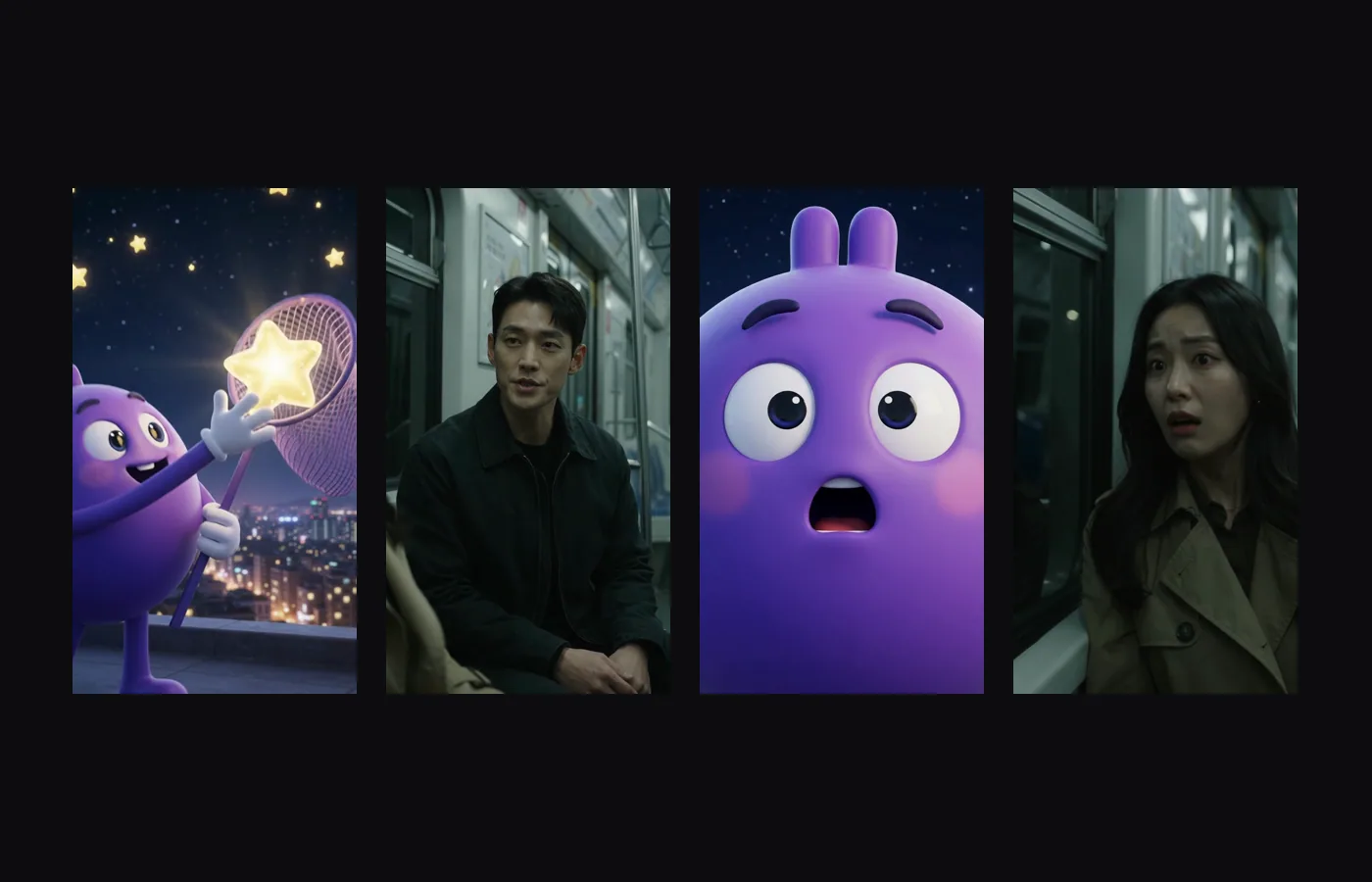
Good ad creative is always in short supply. Brands need a steady stream of videos with fresh ideas, and creators have ideas they would love to make but hold back because production costs money. Brand campaigns on Shortime Studio bring the two together.
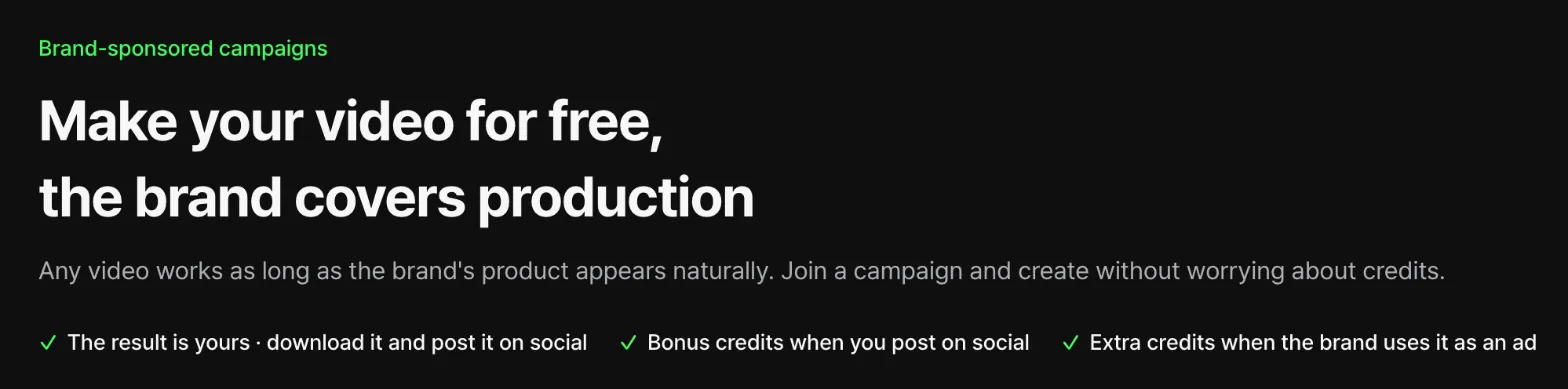
The idea is simple. A brand covers the production cost, and creators make the videos they want to make. There is one condition: the brand’s product appears naturally in the video. This post walks through how a campaign works and what it offers to brand teams and to creators.
How a brand campaign works
A brand campaign is not a commission. The brand sponsors creators’ free creation.
- The brand opens a campaign with product images, a logo, a brief describing the mood it is after, and a budget.
- Creators join and make videos from their own ideas. Production is paid from the campaign budget.
- The finished video belongs to the creator, who can download it and post it on social media.
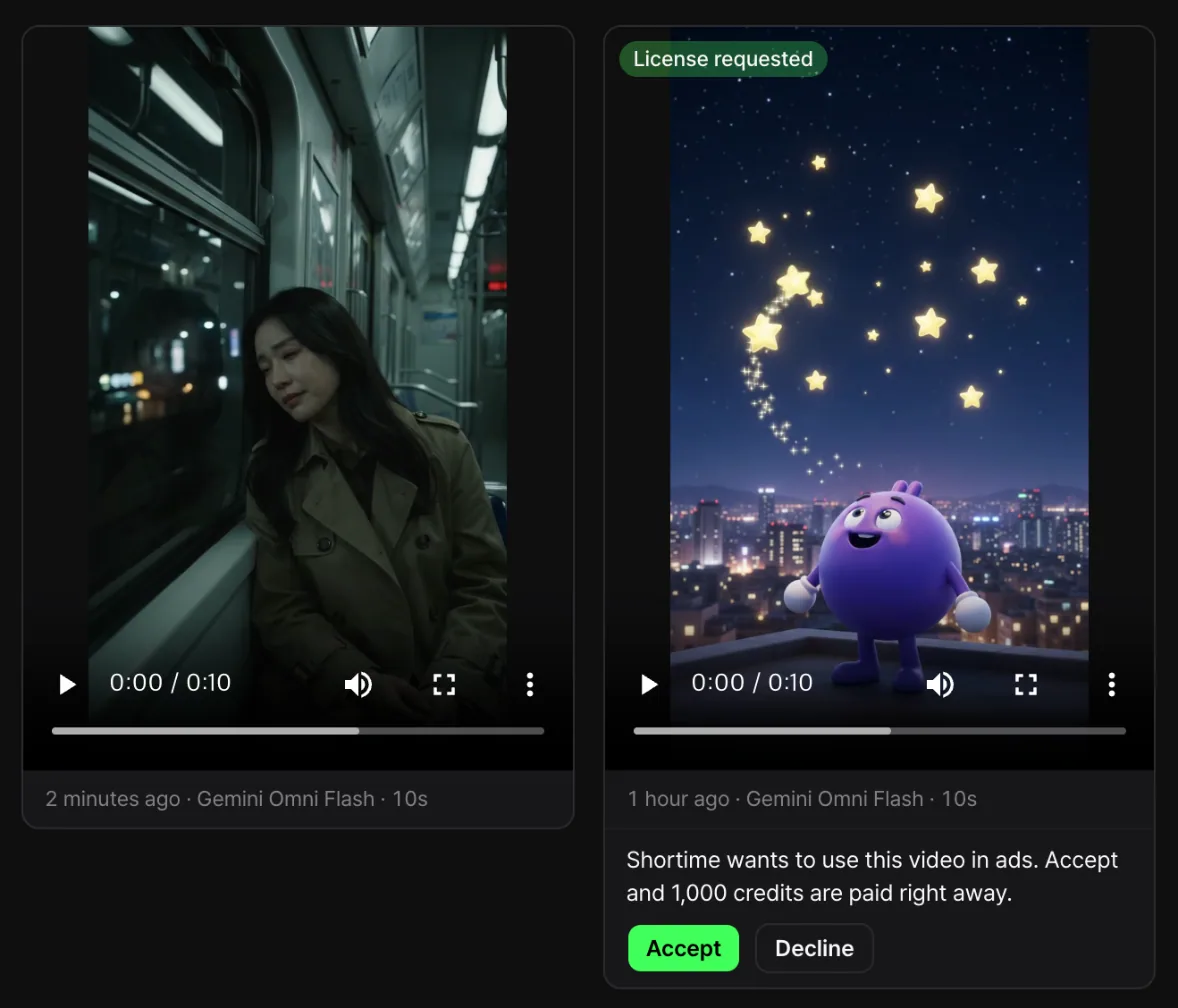
- The brand sees every video. When it wants to use one in advertising, it sends a license request. If the creator accepts, a fee set in advance is paid.
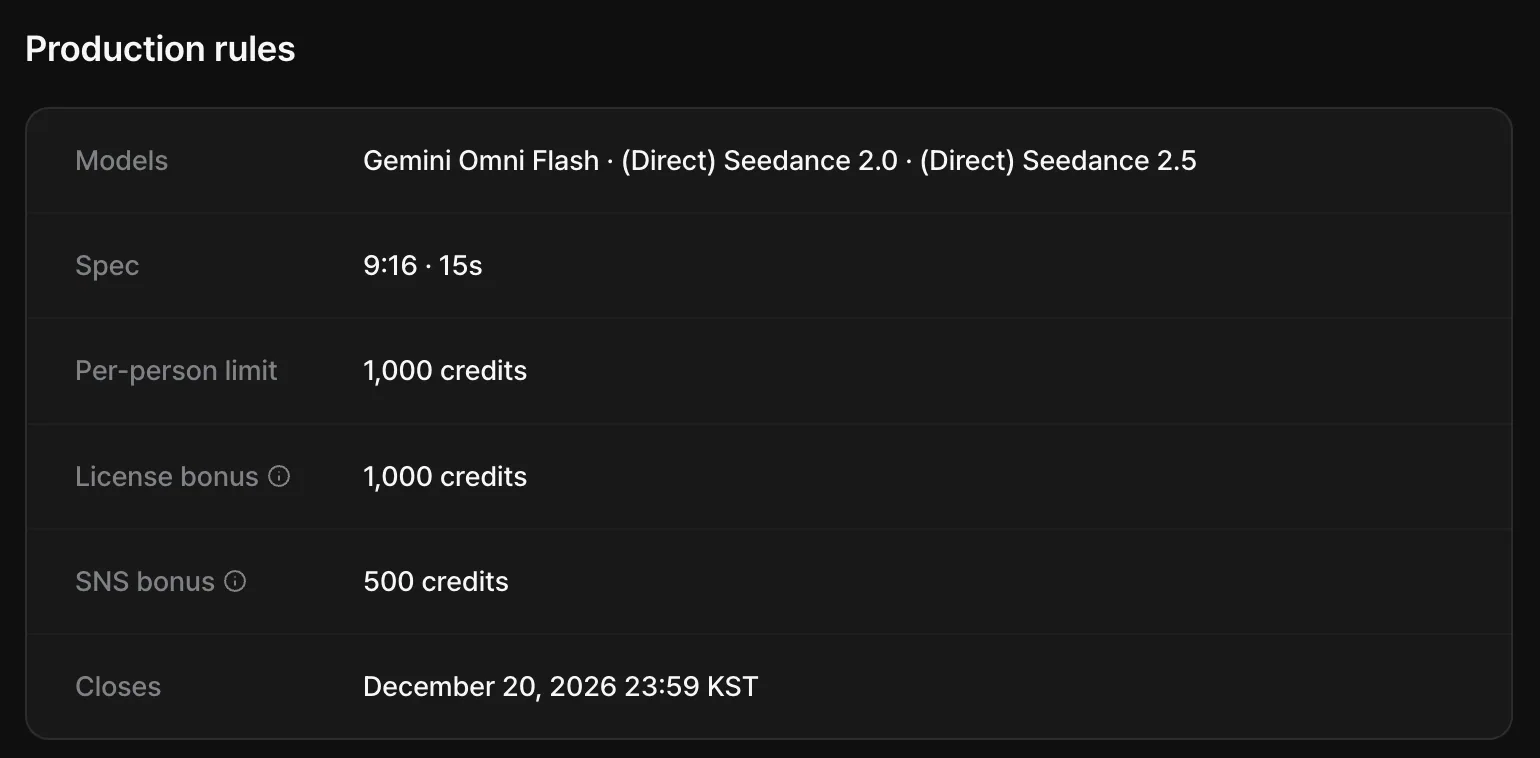
Each campaign shows how much budget is left, the per-person limit, the video spec, and the closing date. The demo campaign in the screenshots below is run by a Korean brand, so its title and brief are in Korean.
For creators: join, then create with a prompt
Open a campaign to see its brand assets, brief, and notices. Tick the agreement box and select Join.
Scroll down to Production rules for the spec, the per-person limit, and two bonuses. You earn the SNS bonus by posting your video on social media and registering the link. You earn the License bonus when the brand asks to use your video in ads and you accept.
Joining opens the studio. Brand assets (fixed) on the left cannot be removed and are attached to every video you make. Describe your scene in the middle. Select a chip such as @image_1 under the prompt to place that brand image at that spot.
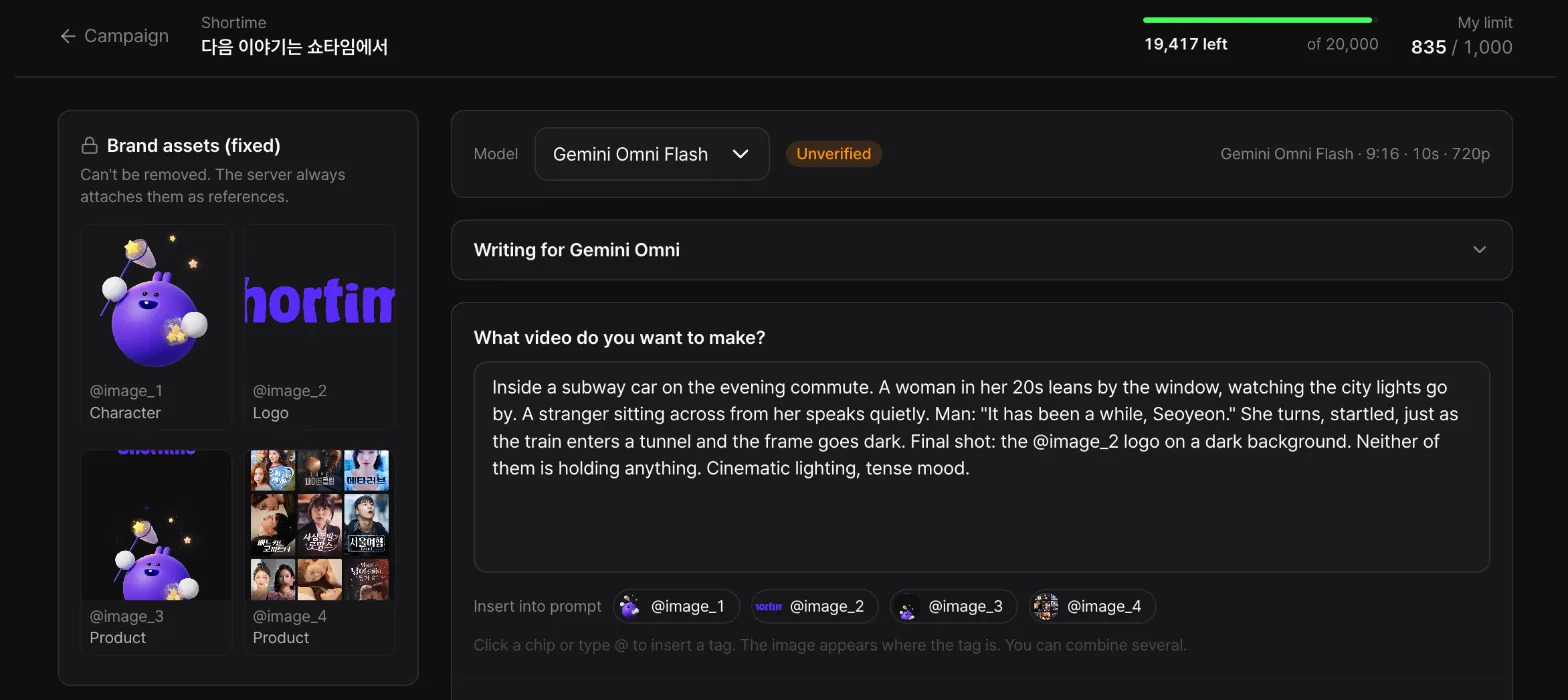
What you make is up to you. The brief for the demo campaign asked for just one thing: stop the video at the most suspenseful moment. So the prompt above describes a stranger on the subway who somehow knows your name.
Under Direction you can choose how shots and sound are handled and add on-screen text. The brand’s prepared lines appear under Brand copy, and one click inserts them. When you are ready, select Create. The finished video appears in your results, where you can download it right away.
For brands: see everything, pick what you like
Brand teams follow a campaign in the Brand dashboard. Remaining budget, participants, and the number of videos sit at the top, and every video creators have made is collected below. There is nothing to gather or chase.
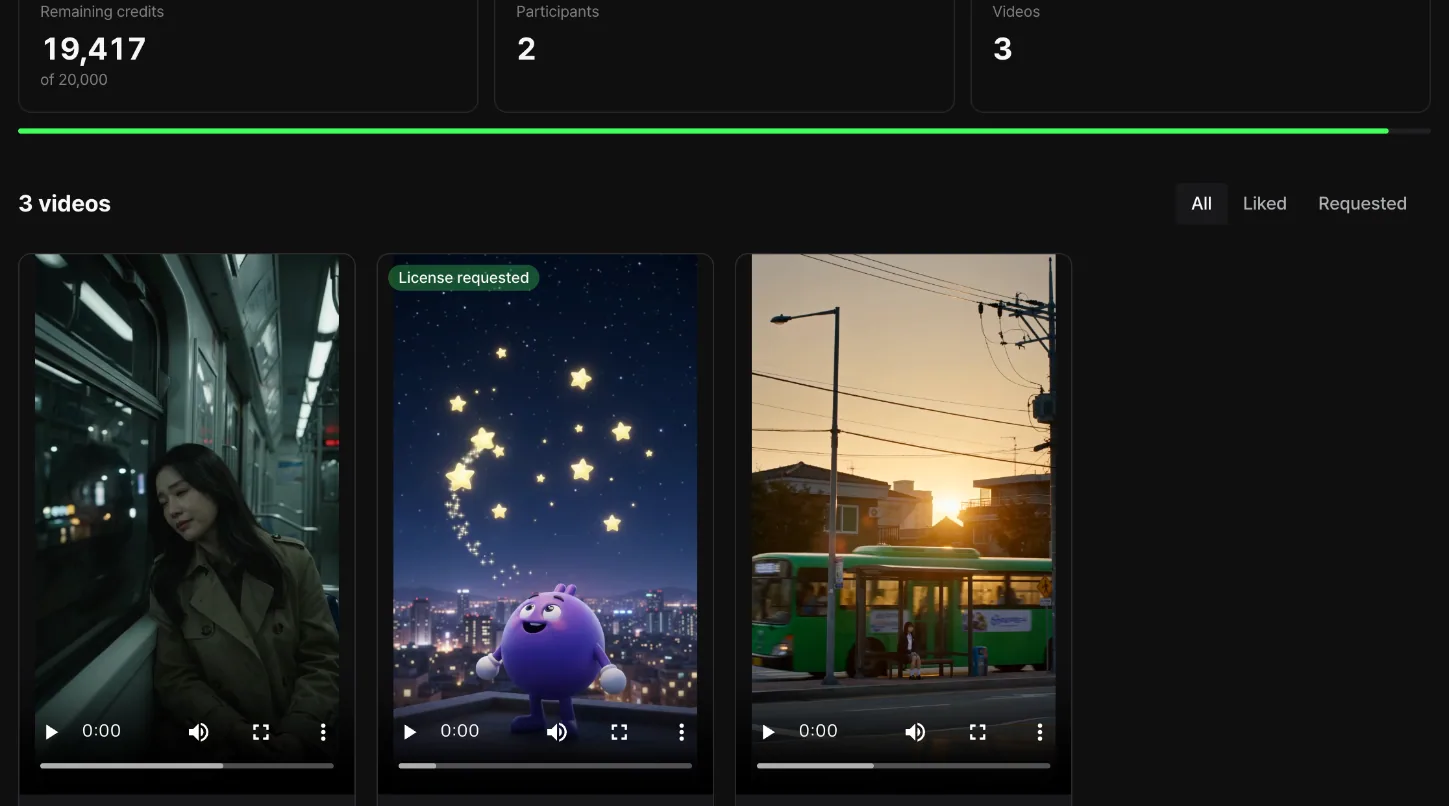
Use Like to shortlist videos, and Request license on the ones you want to use in ads. The creator gets a notification and chooses Accept or Decline. On acceptance, the fee set when the campaign opened is paid to the creator right away, so there is nothing to renegotiate per video.
The things brands worry about are built in:
- Brand assets go into every video, and creators cannot remove them.
- Every prompt is checked before a video is made. Attempts to leave the product out, and violent or sexual scenes, are blocked.
- Production is only paid within the campaign budget and the per-person limit.
- You can set the hashtags and the ad disclosure line creators should use when they post.
Who gets what
For brands. Instead of one piece of creative, you get many videos carrying different ideas from different creators, including stories and scenes your own team would not have come up with. Because the videos belong to the creators, they travel across social media and short-form and micro-drama platforms, and your brand reaches a wide range of people around the world. You then license only the ones you like as ad creative.
For creators. You make what you want without worrying about production cost. The result is yours, for your portfolio or your feed. Posting it earns a bonus, and if the brand wants it for advertising you are paid more. Whether to accept is your call.
Getting started
If you are a creator, pick an open campaign from the campaign list and join. If you work for a brand, use Partnerships & adoption at the bottom of the campaign list. Product images and a brief are all you need to open a campaign.
Take a look at brand campaigns on Shortime Studio.
 Back to Blog