How to Earn Bonus Credits in Shortime Studio
· By 코드크레용 팀
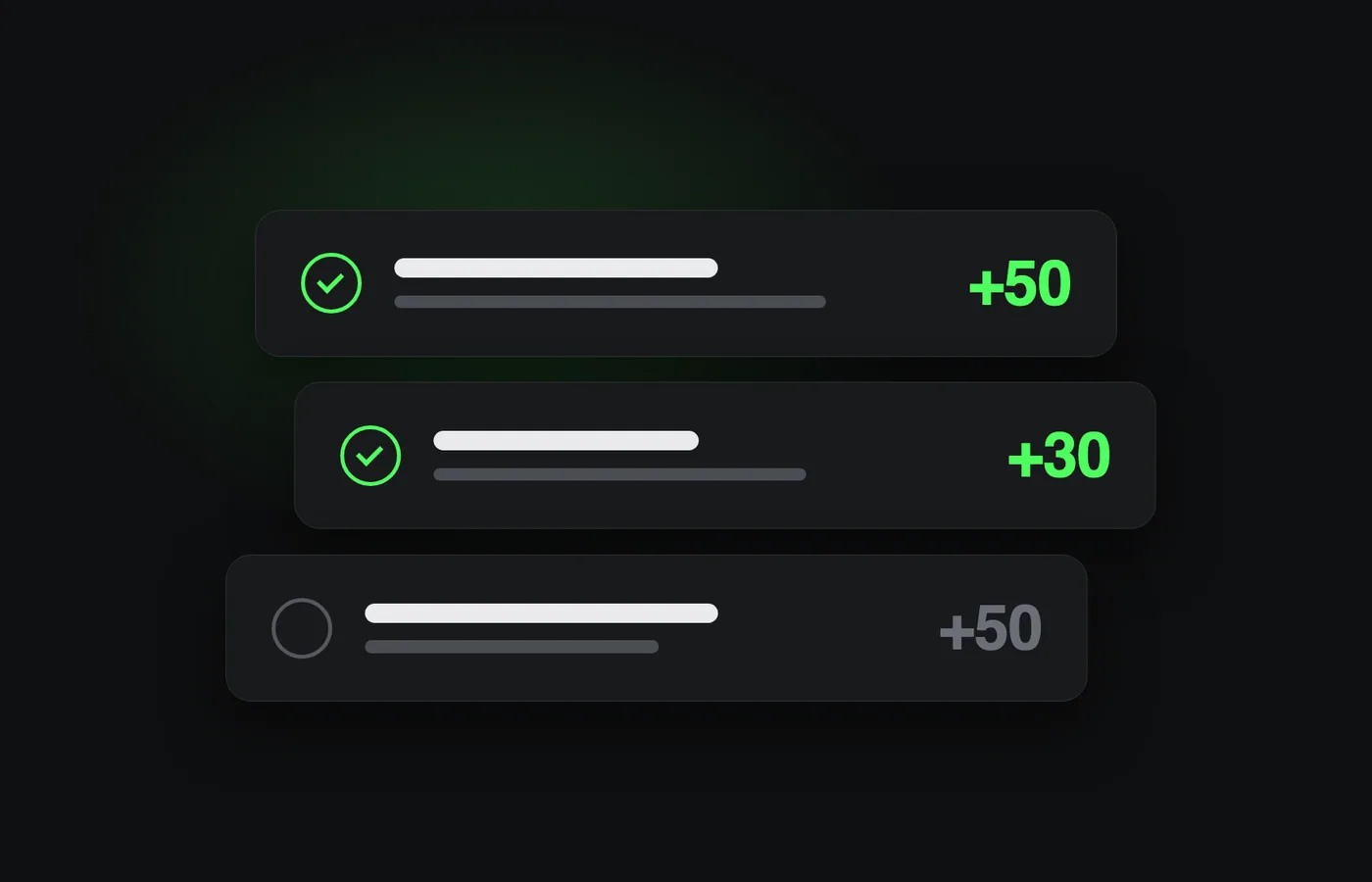
Making images and videos in Shortime Studio uses credits. You can top up, but you can also earn bonus credits just by using the product, without paying anything.
This post covers five ways to earn them and where to check what you have received.
Find the Bonus credits page
Click your profile button at the top right to open your account. In the left menu, click Bonus credits. Every bonus you can earn is listed on this one page.
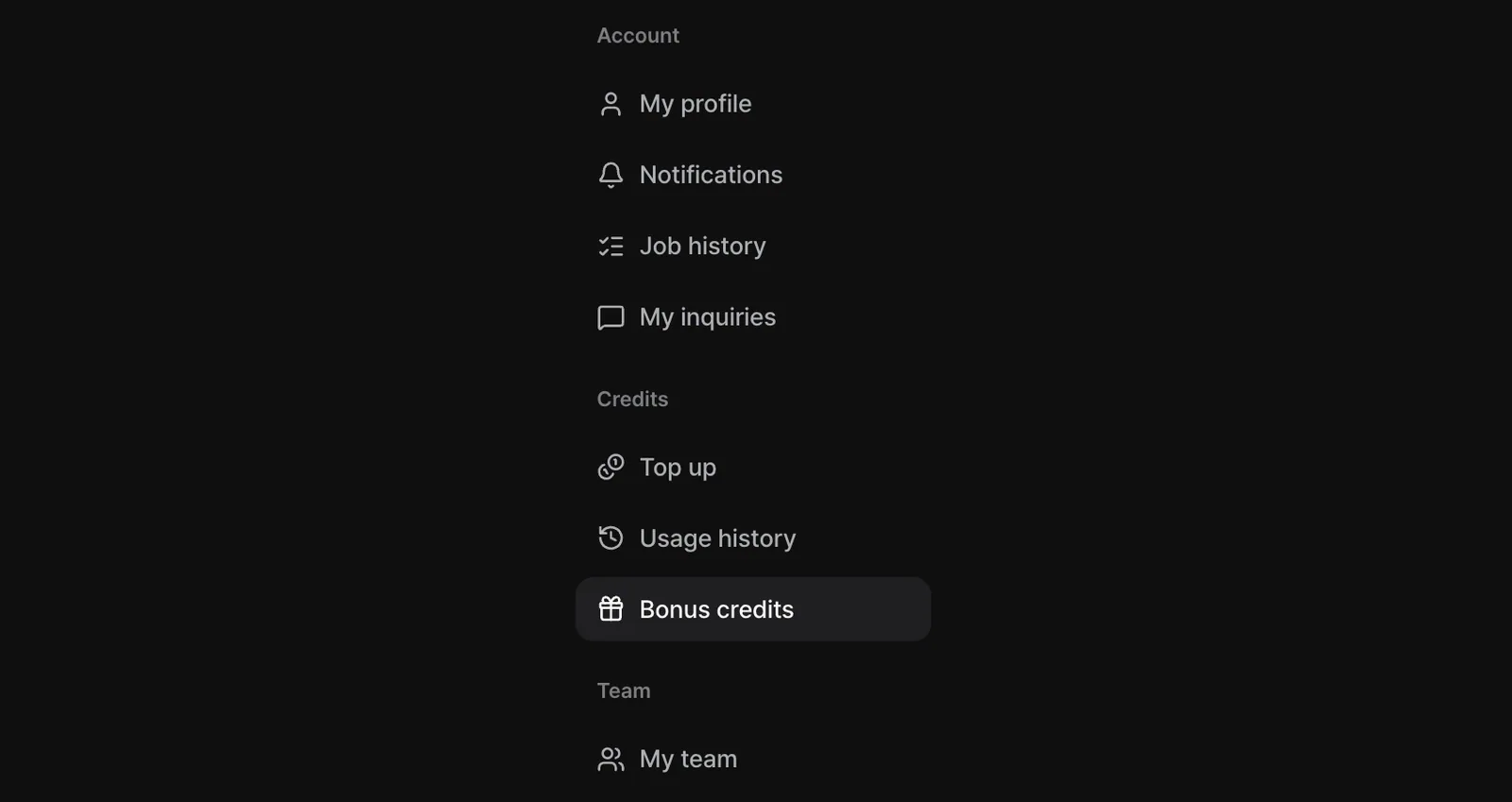
Each item shows its credit amount next to its name. Items you have already earned are marked Granted. Items you have not earned yet show Go, which takes you to the place where you can do that task.
Amounts and conditions can change with our operating policy. The numbers in the screenshots below are from the time of writing. The page itself is always the source of truth.
Complete your profile
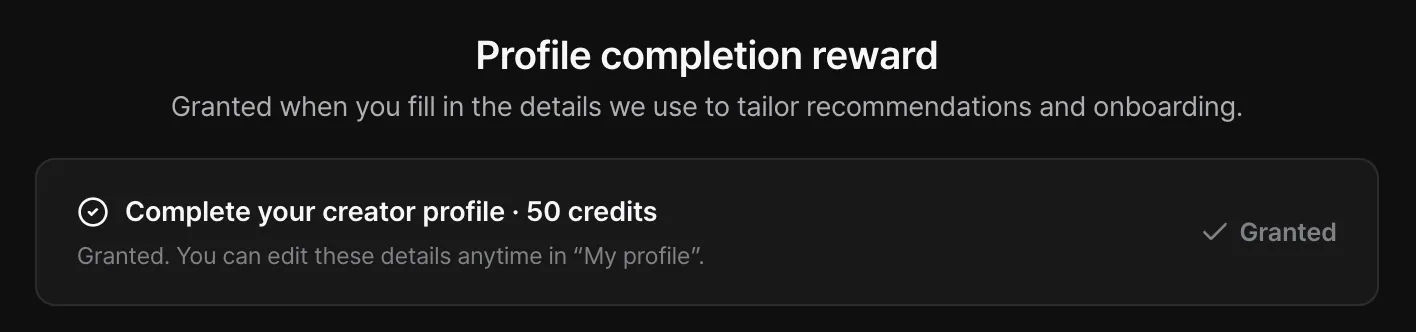
This is the quickest one. Open My profile in your account and fill in your creator details, such as what you do and what kind of work you mainly make. You earn it once, and you can edit the details anytime afterward.
Finish the three onboarding missions
You earn these by trying each core feature once. There are three, and each one pays out a single time.
- Write 1,000 characters in your first episode: save at least 1,000 characters, not counting spaces, in one episode of your project.
- Confirm your first character sheet: create a character sheet and confirm it as the reference. Later images and videos follow this sheet.
- Finish your first draft video: finish one draft-lane video in Production.
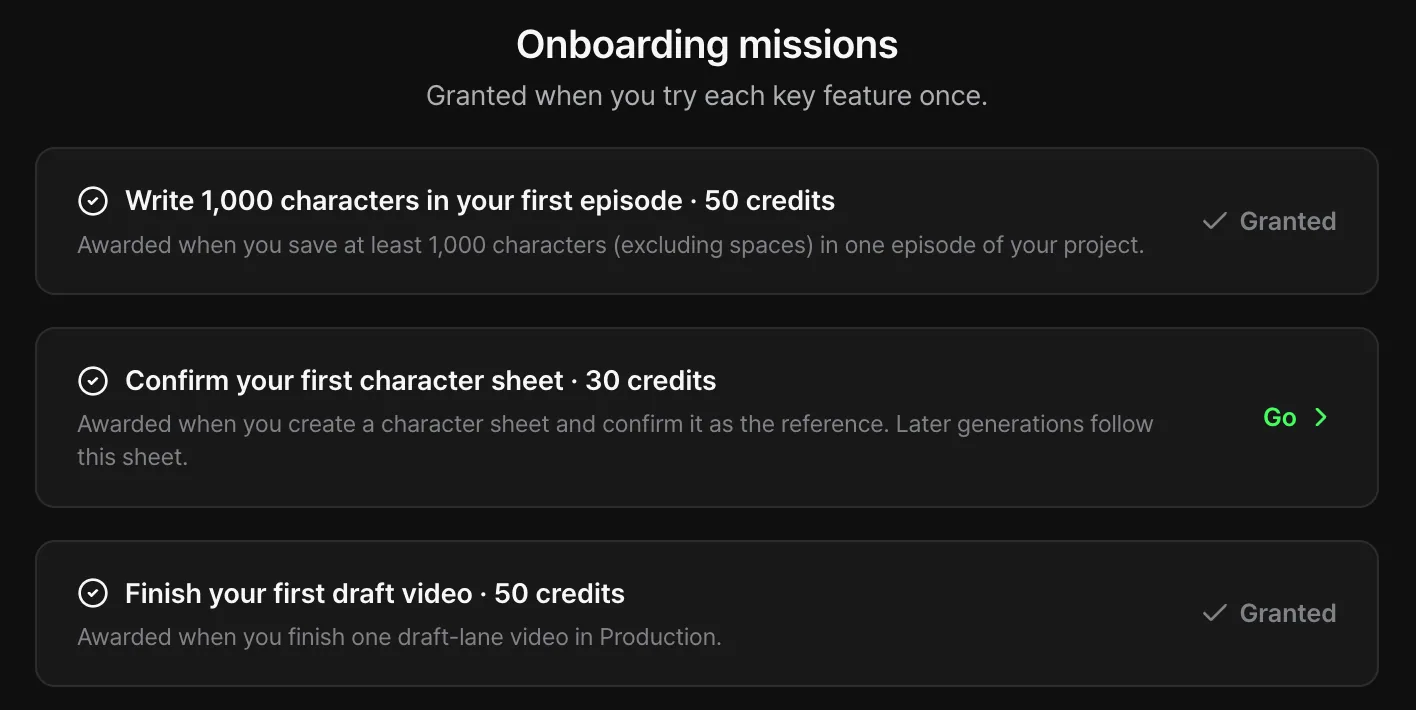
There is nothing to claim. Credits arrive automatically once you meet the condition. The missions follow the natural order of making a project, writing a script, setting a character, then making a video, so finishing your first project earns all three.
Come back each month
Some bonuses repeat every month. You will find two of them under Recurring rewards.
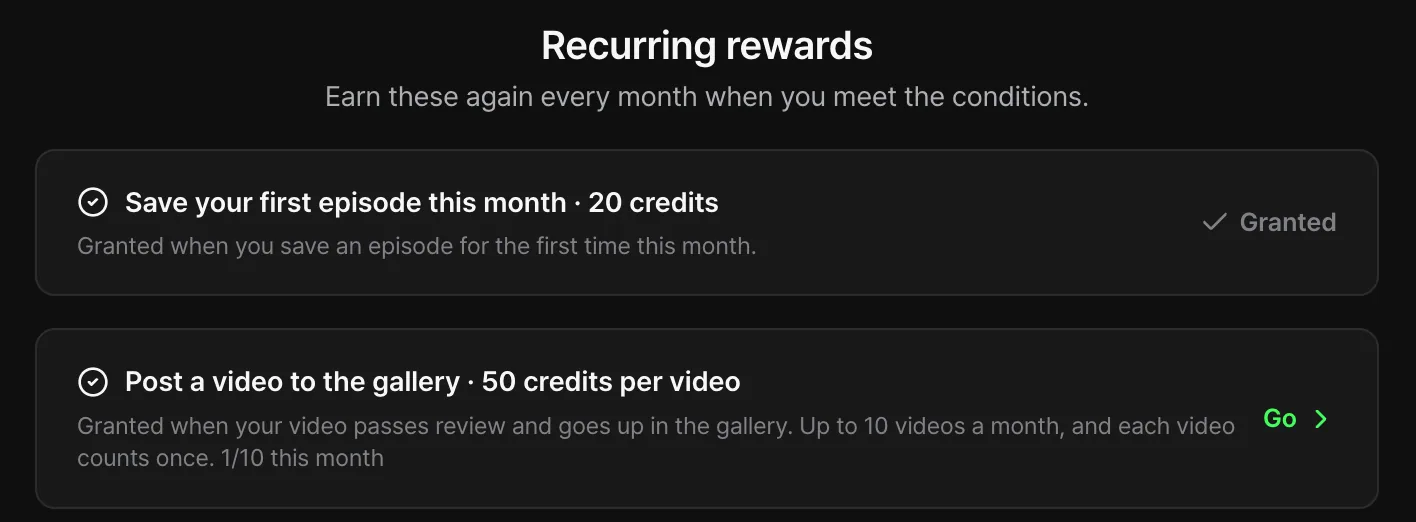
The first is Save your first episode this month. Write and save an episode this month and you earn it. It is meant for people who keep writing, so it does not apply in the month you sign up, and saving only a few characters does not count.
Post a video to the gallery
The second recurring reward is Post a video to the gallery. The gallery is where images and videos from many creators are shown together. Post a video you made, and once it goes up you earn bonus credits for it.
Posting is simple. In your project’s archive, open the ⋯ menu on the video you want to share, choose the option to post it to the gallery, and send it for review. A moderator checks it, and when it goes up in the gallery the bonus is granted. A notification tells you, with the amount.
Three things to know:
- The bonus is for videos. You can post images to the gallery, but they do not earn it.
- You can earn it for up to 10 videos a month. Your count for the month appears under the item, such as “1/10 this month”.
- Each video counts once, even if you take it down and post it again.
Refer a friend and you both earn
Lower on the same page, Refer a friend shows your personal referral link. Click Copy link and send it to a friend. Once they sign up through it, a set period passes, and they save enough writing in an episode, both of you receive bonus credits.

Below the link, three counters show where your invited friends stand: still being checked, being processed, or granted.
A few things to know:
- There is a monthly cap on how many referrals count.
- Referring yourself or creating multiple accounts does not qualify.
- If you post your link somewhere public, such as a blog or social media, say that it is a referral link with a reward.
Check and use what you earned
The top of the Bonus credits page shows your total bonus so far and how many activities you have completed. For an itemized record of when each amount arrived, open Usage history in the left menu. Credits that came in as a bonus carry a bonus badge.
Bonus credits come with two conditions:
- You can use them for 90 days after they are granted. They expire after that, so it is best not to sit on them.
- They cannot be exchanged for cash or transferred to another account.
Wrapping up
You do not have to go out of your way to earn bonus credits. Fill in your profile, write your first episode, set a character, and make one video. Making your first project is how you earn them.
Start your first project in Shortime Studio and pick up your bonus credits.
 Back to Blog